
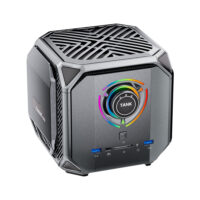

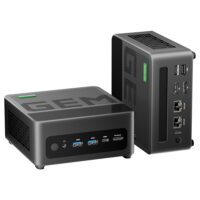
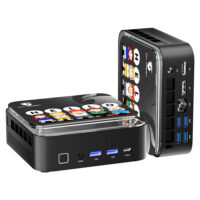


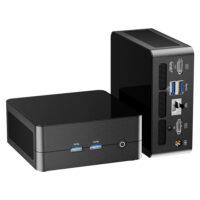

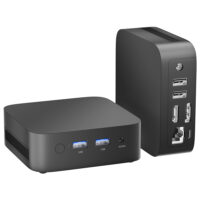
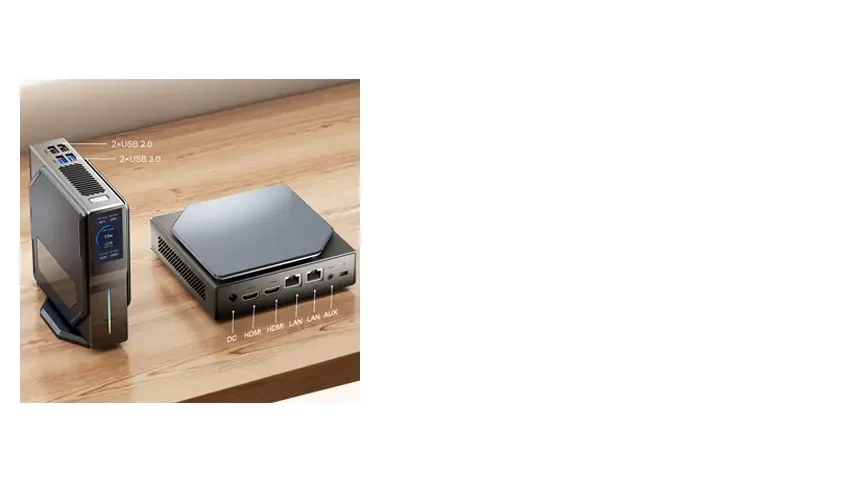


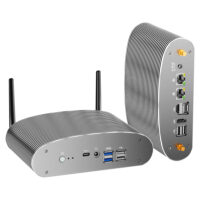


AN2P
| Model | AN2P |
| Processor | AMD R5 5600H/5625U/5700U |
| Memory | 2xDDR4 so-dimm 3200Mhz |
| Graphics | AMD Radeon™ Graphics |
| Storage | M.2 NVMe SSD 2280 |
| Operating | Windows 11 Pro |
| Connectivity | Wi-Fi 6, Bluetooth 5.0 |
| Ports | HDMI/USB3.0/Type-C/Audio/RJ45 |
| Slots | 2xDDR4/1xM.2 2280/1xM.2 2242 |
| Power Adapter | 19V 3.42A 65W |
| Weight | 0.42KG |
| Product Dimensions (WxLxH) | 114mm*106mm*43mm |
1. Drivers Park:
All drivers for AN2P (5600H/5625U/5700U) mini PC on Windows 10 or Windows 11 system.
Waiting for update.....
1. AN2P repair the fan noise problem
Fix the noisy fan issue by checking if the fan cable is touching the fan blades.
2. Reset the bios by disconnecting the bios battery
3. TDP setting in bios
4. How to install the RAM and SSD
5. How to allocate memory to dedicated graphics memory
Because allocating memory to the graphics card doesn’t make it faster. So this setting won’t improve the performance of the graphics card. It only works when some software requires fixed graphics memory support.
6. Handling scratches on the front of the AN2P mini PC
The scratches on the front are usually on the protective film. You can peel off the protective film to reveal a brand new panel.


