
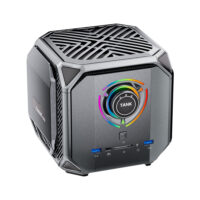

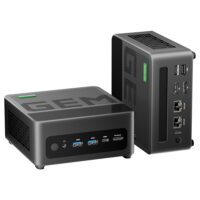
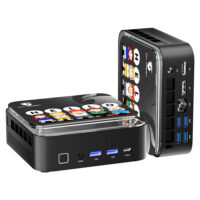


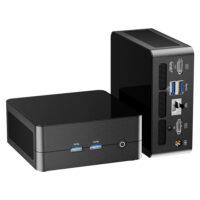

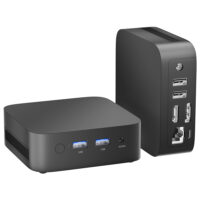
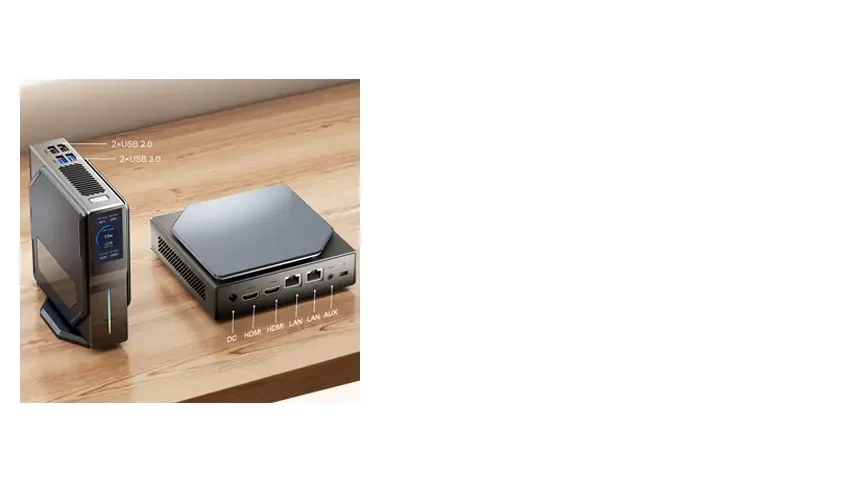


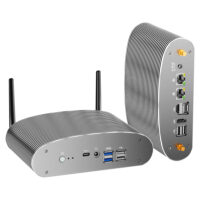

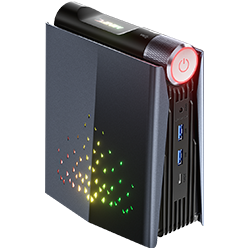
AMR5
| Model | AMR5 |
| Processor | AMD R5 5600U/R7 5700U/R7 5800U |
| Memory | 2xDDR4 so-dimm 3200Mhz |
| Graphics | AMD Radeon™ Graphics |
| Storage | M.2 NVMe SSD 2280 |
| Operating | Windows 11 Pro |
| Connectivity | Wi-Fi 6, Bluetooth 5.0 |
| Ports | HDMI/DP/USB3.0/Type-C/Audio/RJ45 |
| Slots | 2xDDR4/2xM.2 2280 |
| Power Adapter | 19V 3.42A 65W |
| Weight | 0.6KG |
| Product Dimensions (WxLxH) | 133mm*72mm*156mm |
Waiting for update....
1. Reset the BIOS by disconnecting the BIOS battery.
2. Set the graphics memory of the AMR5 Mini PC.
It can allocate a portion of memory as dedicated video memory in the BIOS. Since this setting does not actually increase the speed of the video memory, typically, it won’t improve the performance of the graphics card. The default setting would be the better option.


