
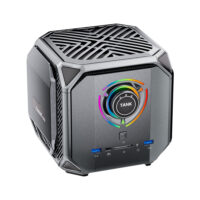

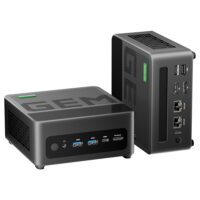
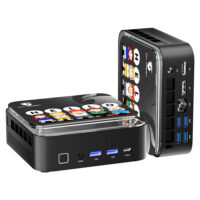


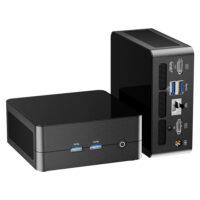

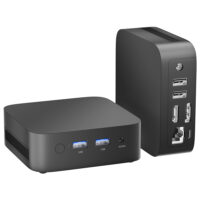
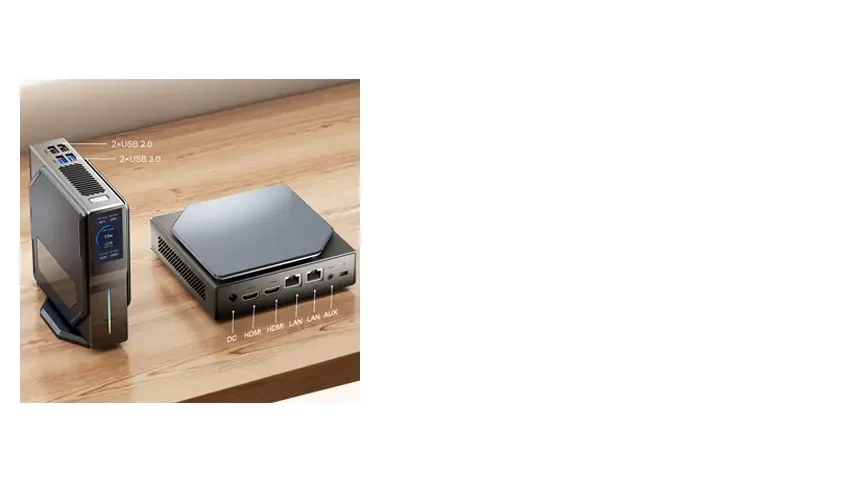


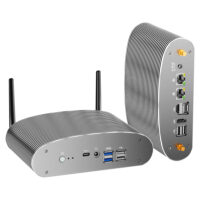


| Model | T9 |
| Processor | Intel® Processor N100 |
| Memory | 1xDDR4 so-dimm 3200Mhz |
| Graphics | Intel® UHD Graphics |
| Storage | M.2 SATA SSD 2242 |
| Operating | Windows 11 Pro |
| Connectivity | Wi-Fi 5, Bluetooth 4.2 |
| Ports | HDMI/USB3.0/USB2.0/Type-C/Audio/RJ45 |
| Slots | 1xDDR4/1xM.2 2280/1xM.2 2242 |
| Power Adapter | 12V 3A 36W |
| Weight | 0.36KG |
| Product Dimensions (WxLxH) | 112mm*112mm*38mm |
1. Drivers Park: (T9-N100-01)
Applicable Product Codes (T9-N100-01, T9-N100-AE01, T9-N100-AM01)
All drivers for T9 mini PC on Windows 10 or Windows 11 system.
2. Drivers Park: (T9-N100-02)
Applicable Product Codes (T9-N100-02, T9-N100-AE02, T9-N100-AM02)
All drivers for T9 mini PC on Windows 10 or Windows 11 system.
Download
3. Drivers Park: (T9-N3150)
Applicable Product Codes (T9-N3150)
All drivers for T9 mini PC on Windows 10 or Windows 11 system.
Download
4. BIOS: (T9-N100-01)
T9 BIOS (T9-N100-01, T9-N100-AE01, T9-N100-AM01)
Compatible with the following bottom label models: T9-N100-01, T9-N100-AE01, T9-N100-AM01. Not compatible with other T9 N100 or T9H N150 labels. An incorrect BIOS can prevent the computer from starting. If an incorrect BIOS is causing your computer to fail to boot, please contact [email protected].
5. BIOS: (T9-N100-02)
T9 BIOS (T9-N100-02, T9-N100-AE02, T9-N100-AM02)
Compatible with the following bottom label models: T9-N100-02, T9-N100-AE02, T9-N100-AM02. Not compatible with other T9 N100 or T9H N150 labels. An incorrect BIOS can prevent the computer from starting. If an incorrect BIOS is causing your computer to fail to boot, please contact [email protected].
6. BIOS: (T9-N100-04)
T9 BIOS (T9-N100-04, T9-N100-AE04, T9-N100-AM04)
Compatible with the following bottom label models: T9-N100-04, T9-N100-AE04, T9-N100-AM04. Not compatible with other T9 N100 or T9H N150 labels. An incorrect BIOS can prevent the computer from starting. If an incorrect BIOS is causing your computer to fail to boot, please contact [email protected].
7. BIOS: (T9-N3150-01)
T9 BIOS (T9-N3150-01, T9-N3150-AE01, T9-N3150-AM01)
Compatible with the following bottom label models: T9-N3150-01, T9-N3150-AE01, T9-N3150-AM01. Not compatible with other T9 N100 or T9H N150 labels. An incorrect BIOS can prevent the computer from starting. If an incorrect BIOS is causing your computer to fail to boot, please contact [email protected].
Waiting for update...
1. How to set Auto Power On in bios?
2. How to fix a WiFi signal?
suitable for when the WiFi antenna is installed backwards
The black antenna should be on the outside, while the gray antenna should be on the inside.
3. How to replace the fan?
How to reset the bios by disconnecting the BIOS battery.
This is usually the most effective way to fix a mini PC that won’t start.


